

 MCP
- Branding: your app’s name, URL, logo, icon and brand color.
- Agentic messaging: what agents know about your app and how they write. This section only appears once agentic messaging is available on your account.
Branding
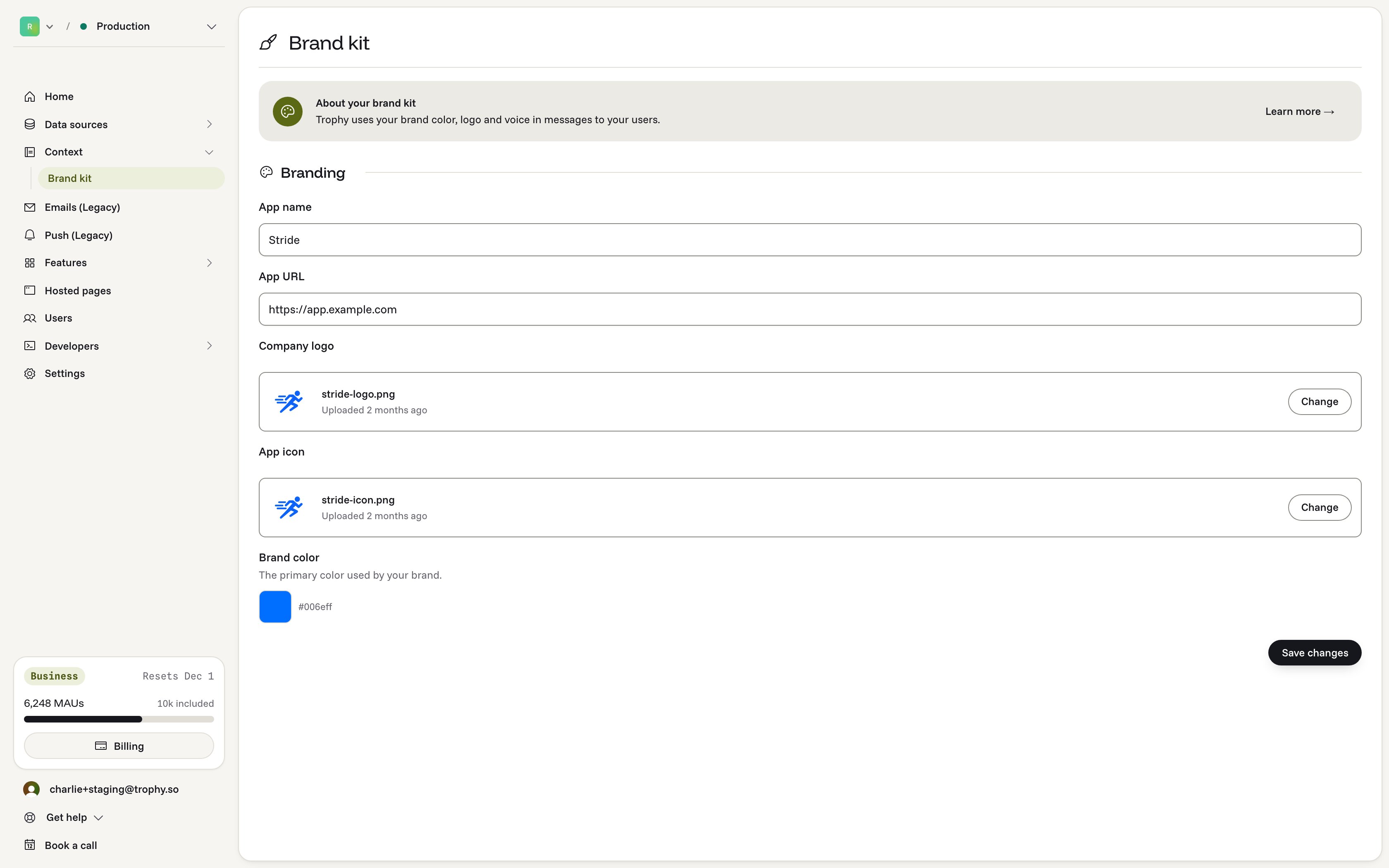
- App name: the name of your app or platform. Trophy uses it in the messages it sends to your users.
- App URL: the URL of your app or platform. Trophy uses it as the default link in messages, unless it’s overridden. Usually this is your app’s sign-in page.
- Company logo: shown in the header of every email Trophy sends. We recommend a horizontal logo with a transparent background, or a plain background color with rounded corners.
- App icon: shown in push notification previews.
- Brand color: the primary color of your brand. Trophy uses it for buttons and other elements in your emails.
Agentic messaging
This section tells agents about your app and how you sound. Agents write every message inside the context and rules you set here, so every message stays on brand.About your app
A short Description of what your app is and who uses it. For example: “A language learning app for adults learning Spanish in short daily lessons.”Voice
- Example messages: two to five messages that sound like you, for each channel. Agents match their tone without copying them.
- Use emoji: whether agents may use emoji in messages.
Metrics
Metric context explains each of your metrics to agents, so they can talk about a user’s activity in your own terms. For each metric, add:
Agents may only link to your app and to the links you add here, so add a link for every action you want agents to point users towards.